Home
Start with today's attendance status, leave access, and the work that needs attention.
The existing BossDesk App brings attendance, assigned Tasks, leave, and company Memos into a focused mobile experience for employees.
Tasks appear only when the employee also has the required Workspace and Task Board access.
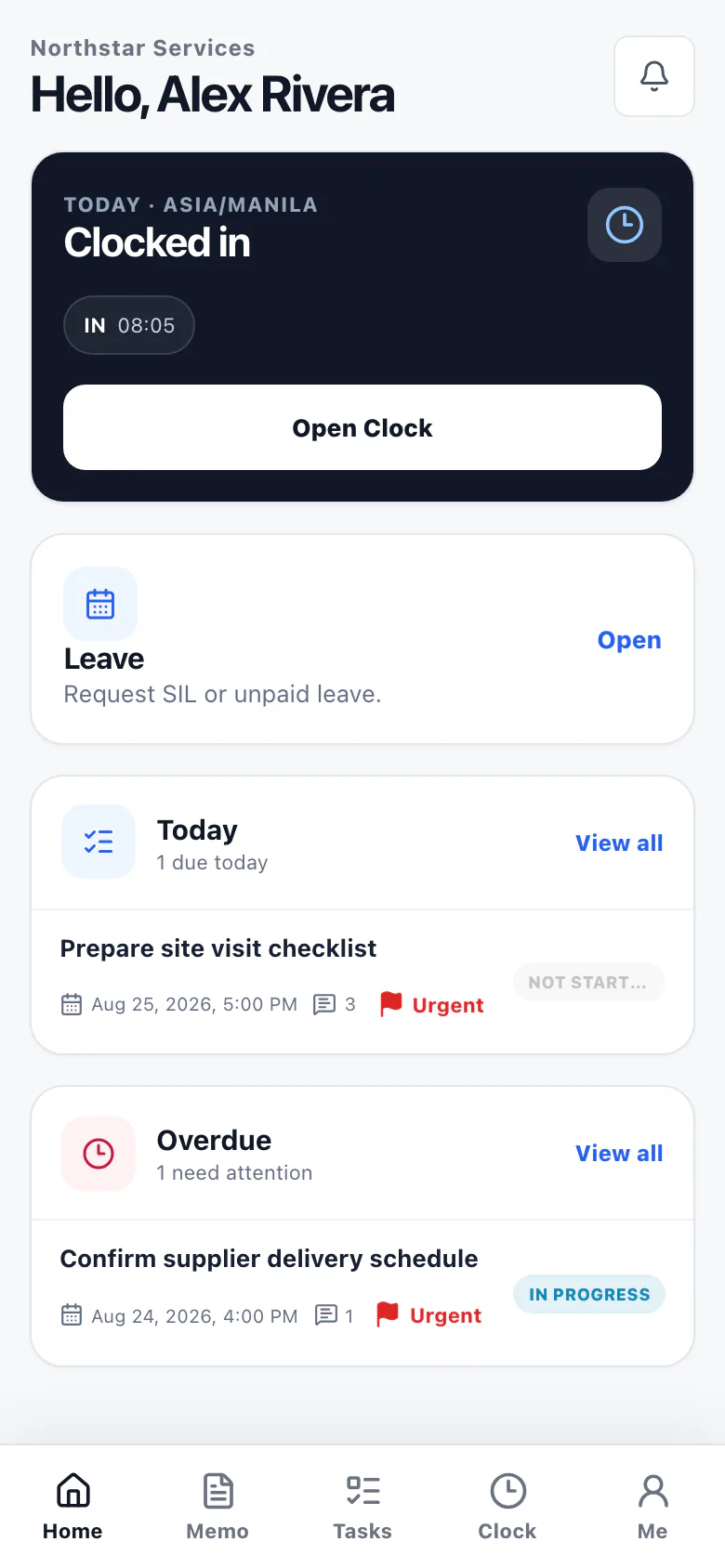
These are existing capabilities of app.bossdesk.ph. The introduction page does not add or replace any App workflow.
Start with today's attendance status, leave access, and the work that needs attention.
Clock in, manage breaks, and clock out using the attendance steps enabled by your company.
Review assigned work and updates when your account has the required Workspace and Task Board access.
Request available leave and keep up with company Memos from the same phone-first workspace.
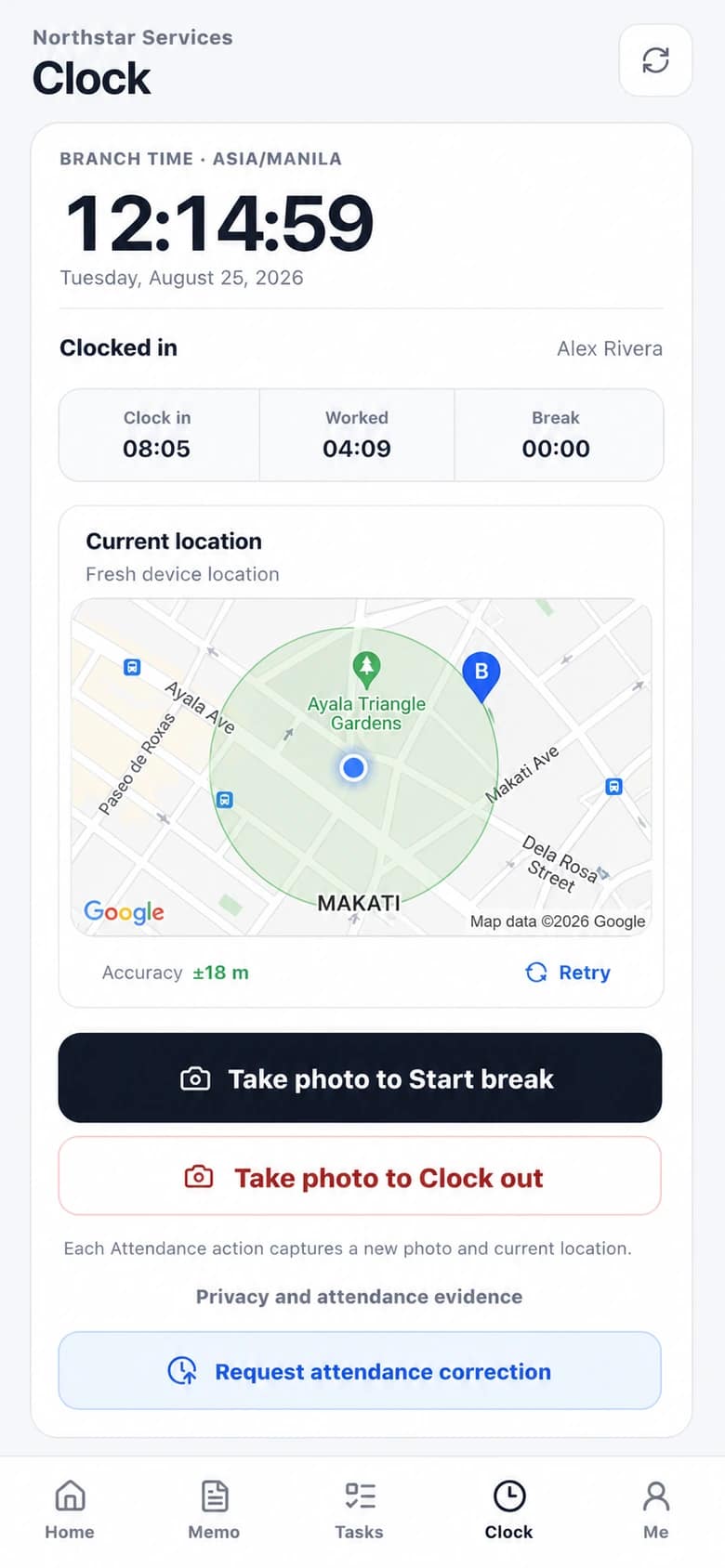
Confirm the current location on Google Maps, then use only the attendance actions your company currently allows. The image uses safe Makati sample data; each Company still controls its own Branch and clock radius.
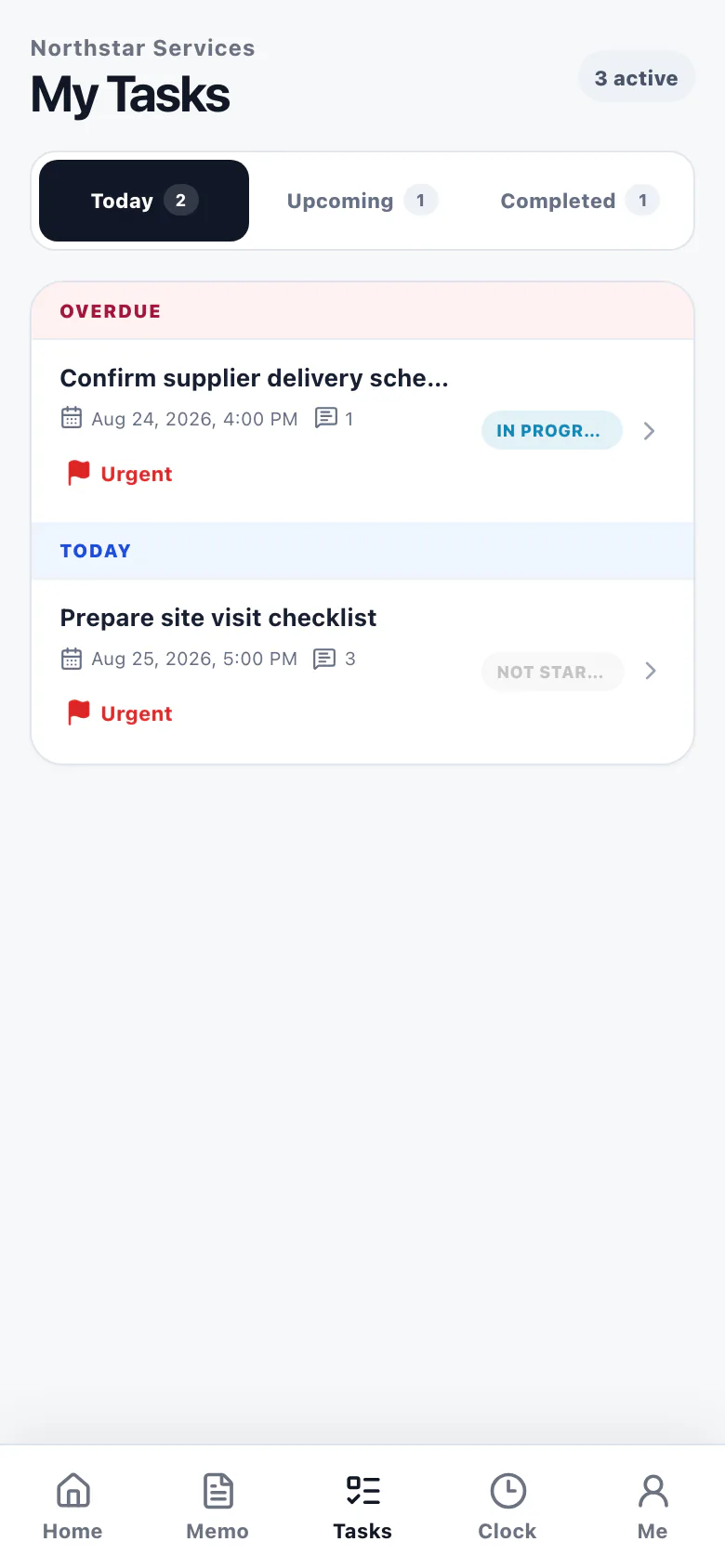
Employees with the required Workspace and Task Board access can review assigned Tasks, open details, and follow updates without switching to the desktop site.
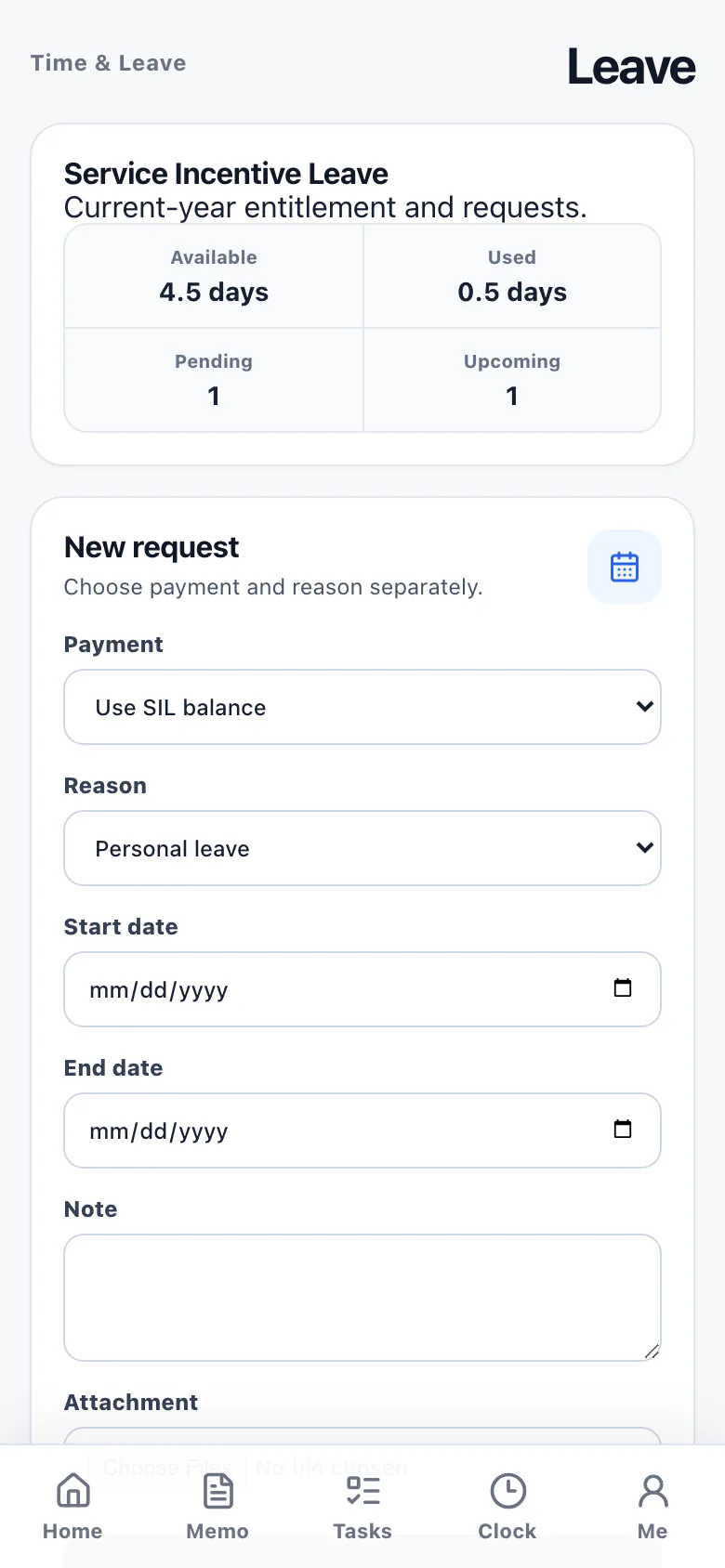
Request available leave in the App, then keep up with company Memos from the main navigation. Existing Employee and Company access rules continue to decide what each person can see and do.
Sign in with your existing BossDesk employee account.